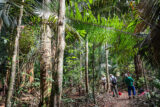
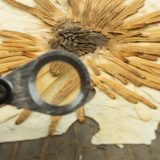
From the lab to the field, NYBG scientists are hard at work studying and documenting the plants of our world, so we can protect Earth’s biodiversity for generations to come. Hear from some of the experts that make breakthroughs possible, and take a look at their collaborative efforts around the world.

Plant Science
Botanical Breakthroughs Happen Here
At NYBG, we’re leading the charge on plant science the world over, putting centuries-old techniques to work alongside cutting-edge tools to cast a light on Earth’s vast botanical diversity—and the ways that we can join together to tackle our dual climate and biodiversity crises. Sign up for our Science Newsletter to receive updates on NYBG Scientists’ important work here in the Bronx and around the globe, along with upcoming events, lectures with renowned experts, and the many ways that you can get involved.